Rework is one of the most visible consequences of manufacturing nonconformance, but its true impact can be difficult to measure. A nonconforming part may be repaired, adjusted, refinished, rewelded, reinspected, or sent through additional processing before it can return to production. Each activity consumes time and labor. That’s where effective defect tracking software comes in.
Without a consistent way to capture this information, manufacturers can close NCRs while losing visibility into how much rework those NCRs actually created.
Defect tracking software provides a way to connect nonconformance records with the labor associated with correcting them, allowing quality teams to move beyond simply counting NCRs and begin evaluating their operational impact.
Why Rework Hours Matter
Traditional NCR metrics often focus on quantities such as:
- Number of NCRs opened
- Number of NCRs closed
- NCRs by department or functional area
- Supplier-related NCRs
- Corrective actions
- Recurring nonconformances
These are useful quality indicators, but they do not necessarily show the amount of work created by those problems.
Two NCRs can have completely different effects on production.
One may require a technician to spend 20 minutes correcting a minor issue. Another could require machining, welding, inspection, and several hours of additional labor.
Counting both simply as one NCR hides this difference.
Tracking estimated rework hours provides another dimension for evaluating nonconformance.
Connecting Rework Directly to the NCR
AssessmentDrive NCR allows estimated rework hours to be captured as part of the nonconformance process.
Instead of maintaining a separate rework spreadsheet, the labor estimate remains associated with the NCR responsible for the work.
Over time, these records create measurable rework data that can be evaluated alongside other quality metrics.
Quality teams can begin asking more useful questions:
Which areas are generating the most rework?
Are rework hours increasing even though NCR counts are decreasing?
Which recurring problems consume the most labor?
How much manufacturing capacity is being spent correcting nonconforming work?
This makes rework tracking part of the quality record rather than a separate administrative exercise.
Track Rework Trends Over Time
Individual rework estimates become considerably more useful when viewed collectively.
AssessmentDrive NCR summarizes estimated rework hours across the selected reporting period and displays the results as a monthly trend.
This allows management to see whether rework demand is increasing, decreasing, or remaining relatively consistent.
A manufacturer could have fewer NCRs during a particular month while experiencing substantially more rework hours. Looking only at NCR counts could make the month appear better than it actually was.
Rework trends provide additional context.
Convert Rework Hours Into Estimated Labor Cost
Organizations that want additional financial visibility can enable Rework Cost Tracking within AssessmentDrive NCR.
The feature is optional.
When enabled, the organization enters a Finance-approved hourly labor rate. AssessmentDrive then calculates estimated rework labor cost using:
Estimated Rework Hours × Finance-Approved Labor Rate
For example, 337.5 estimated rework hours at an approved labor rate of $85 per hour represents an estimated labor impact of $28,687.50.
The calculation is deliberately limited to labor. Material, scrap, outside processing, freight, and other costs are not included.
This distinction prevents an estimated labor metric from being presented as the total cost of poor quality.
Keep Financial Information Optional
Not every organization wants labor-cost information incorporated into its NCR process.
For this reason, estimated rework labor cost can be disabled.
When cost tracking is turned off, the organization can continue recording and reporting rework hours without displaying the financial calculation.
When enabled, the approved labor rate and resulting estimated costs become available for reporting.
This gives organizations control over how much financial information they want incorporated into their nonconformance management process.
Bring Rework Data Into Quality Reporting
Collecting data has limited value if someone still has to manually assemble it into a management report.
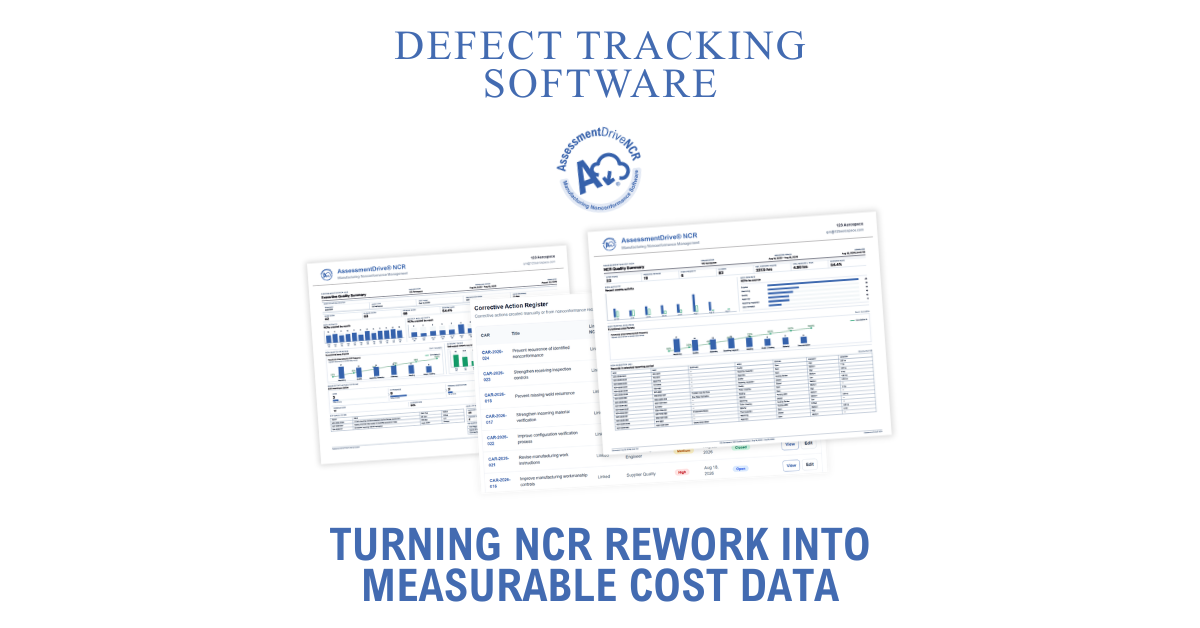
AssessmentDrive NCR incorporates rework information into its Executive Quality Summary alongside NCR, corrective action, supplier, certification, and quality performance information.
The report can include:
Open NCRs
Current nonconformance workload.
Closed NCRs
Completed nonconformance records.
Rework NCRs
Records involving rework.
Rework Rate
The percentage of applicable NCR activity involving rework.
Estimated Rework Hours
Accumulated estimated labor associated with rework.
Estimated Rework Labor Cost
The calculated labor impact when cost tracking is enabled.
Rework Trend
Monthly estimated rework hours across the reporting period.
This gives management a broader view of nonconformance performance without requiring quality personnel to manually rebuild charts and calculations for every reporting cycle.
From NCR Counts to Operational Impact
NCR counts remain important, but counts alone cannot describe the full impact of nonconforming work.
A manufacturing quality system becomes more useful when it can connect a quality event to the resources required to address it.
Rework tracking software can help manufacturers identify where additional labor is being consumed, recognize costly recurring problems, evaluate trends, and provide management with more meaningful quality information.
AssessmentDrive NCR brings NCR management, corrective action, supplier performance, rework tracking, and quality reporting into a focused manufacturing quality platform through our unique defect tracking software.
Instead of simply documenting what went wrong, manufacturers can begin measuring what those problems are costing them.